 ORAVUM
Guides · Oravum
A Catholic audio Bible for attentive listening
Listening to the Bible can make room for Scripture when looking at a screen is inconvenient. You can follow the text as a chapter plays or listen during a quiet break. Choose a pace that helps you pay attention rather than aiming to finish as many chapters as possible.
Choose a book and chapter
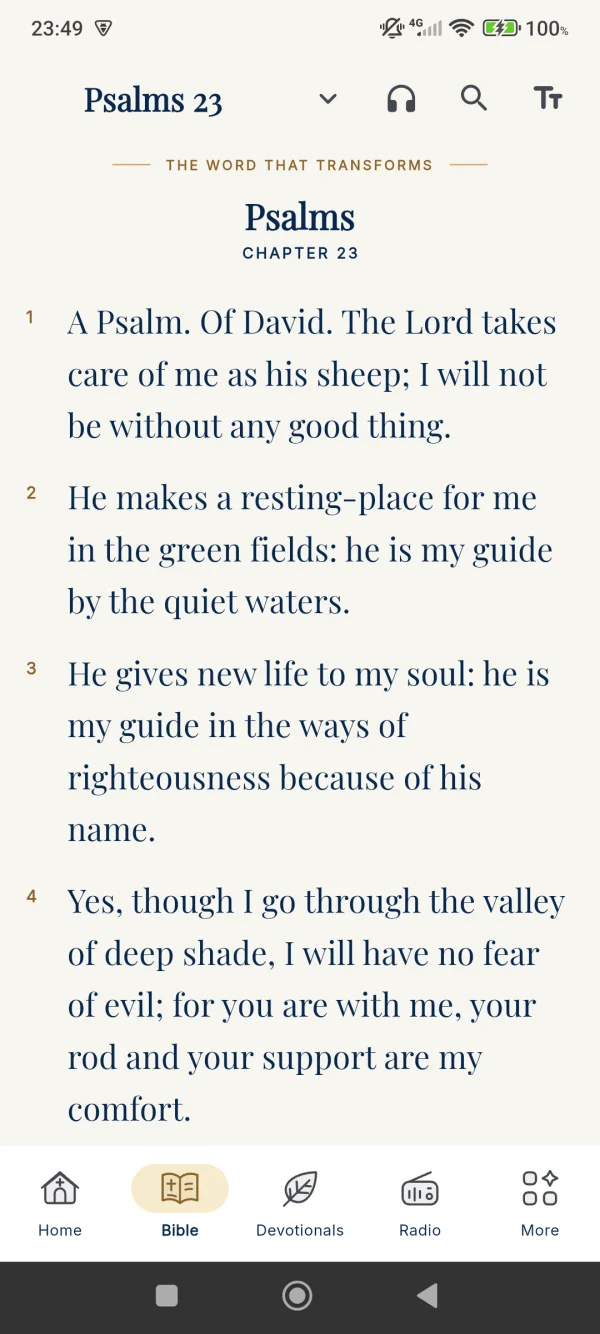
In Oravum, open the Bible, select a chapter and use the audio control on the reading screen. A familiar passage can be a helpful first choice. Check the volume and sound output: connected Bluetooth headphones may be receiving the audio even when the phone itself seems silent.
Bring listening and reading together
Read the opening of the passage before playing it. Afterwards, return to a sentence that caught your attention and read the surrounding text. Bookmark a reference if you want to revisit it. Each listening session does not need to become a long study session; noticing one question gives you somewhere to start next time.
Understand continuous audio in Premium
Premium offers continuous Bible audio through a book, automatic progression between chapters and a sleep timer. These benefits are different from opening and playing an individual chapter. Review the features and subscription terms in the app before choosing a plan.
Online audio needs an internet connection
Offline reading and offline audio are not the same thing. Online narration needs internet access, and an unstable connection may interrupt or delay playback. Before a long journey, check your connection and consider mobile data use. Do not assume a chapter is available offline without checking it in your app first.
If playback stops
Check your connection, volume and whether another app has taken over audio playback. Reopen the chapter and try again. If the issue continues, contact support with the language, book, chapter, device model and operating system version. Never send your password or payment details.